Free tool
Free iPhone mockup generator
Drop a raw screen capture into an iPhone frame and get a store ready mockup in seconds. Seven iPhone chassis from the 17 Pro Max down to a classic bezel model, flat or in 3D poses, exported at every size App Store Connect accepts. Free, open source and nothing to sign up for
Facts on this page were verified on October 6, 2026
Device frames
What the frame picker holds
The frame picker covers iPhone 17 Pro Max, iPhone 15 Pro, iPhone 15, iPhone 14, iPhone 13, iPhone X and a classic bezel iPhone. Every frame masks your screenshot to the display shape, including the corner radius and the cutout. For hero shots there is also a 3D iPhone element with preset poses and adjustable angles
Three steps
How it works
- 1. Open the editor. The editor runs in your browser with nothing to install and no account to create. Pick a ready made template or start from a blank canvas at the exact App Store size
- 2. Drop in your screenshot. Upload a raw screen capture and it snaps into the device frame, masked to the screen with the right corner radius. Switch frames or turn on a 3D pose any time
- 3. Export store ready files. Export PNG files at every size your store listing needs. Everything renders locally, so your screenshots never leave your machine
Store sizes
Export sizes that pass review
These are the iPhone display classes App Store Connect accepts in 2026, verified against Apple's current specification. Upload the 6.3 inch tier, the only one Apple requires, and App Store Connect scales it down for the smaller classes. The rest are optional
| Display class | Accepted portrait sizes |
|---|---|
| 6.3 inch, the required tier | 1206 × 2622, 1179 × 2556 |
| 6.9 inch | 1290 × 2796, 1260 × 2736, 1320 × 2868 |
| 6.5 inch | 1284 × 2778, 1242 × 2688 |
| 6.1 inch | 1170 × 2532, 1125 × 2436, 1080 × 2340 |
| iPhone Duo | 1398 × 2034 outer display, 2007 × 2853 inner display |
| 5.5 inch, legacy | 1242 × 2208 |
Templates
Start from an iPhone template
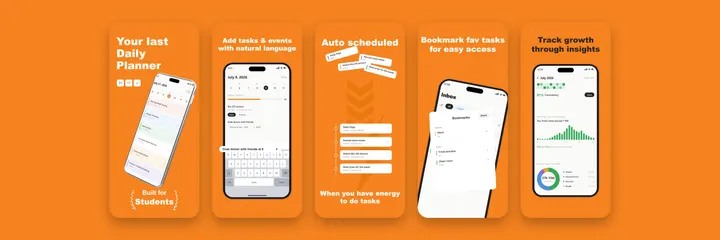
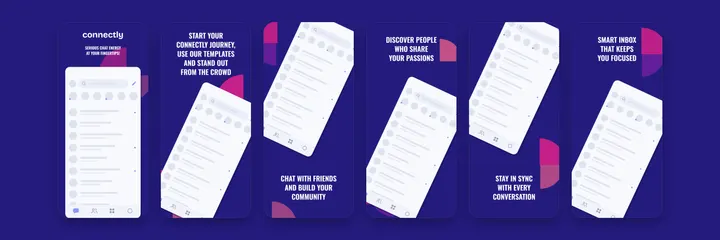
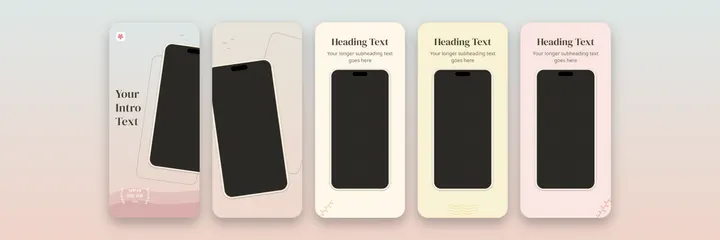
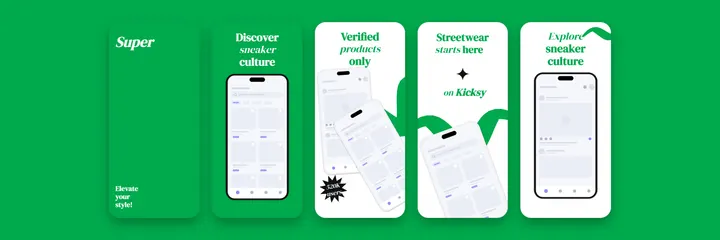
Every template below is a full screenshot set with the iPhone frame already placed. Click one and it opens in the editor. The full gallery is on the templates page
Questions
Fair questions, straight answers
Is the iPhone mockup generator really free?
Yes. There is no paid tier, no watermark and no export limit. The editor is open source and everything renders in your browser
Which iPhone frames are included?
iPhone 17 Pro Max, iPhone 15 Pro, iPhone 15, iPhone 14, iPhone 13, iPhone X and a classic bezel iPhone as flat frames, plus a 3D iPhone element with preset poses for hero shots
What size should an iPhone App Store screenshot be?
Upload the 6.3 inch tier, which accepts 1206x2622 or 1179x2556 in portrait. It is the one iPhone set Apple requires, and App Store Connect scales it down for the smaller display classes. The larger 6.9 inch tier, such as 1290x2796, is optional
Can I use the mockups outside the App Store?
Yes. The canvas takes any custom size, so the same frames work for social posts, a landing page hero or a press kit. Export is plain PNG, yours to use anywhere
Keep reading
Related pages
Frame it, export it, ship it
The editor is free, open source and already knows every size your store listing needs