A frame for every screen
iPhone, Android, iPad, Mac, and Apple Watch. Choose flat frames or real 3D poses, then place your app inside
Free and open source
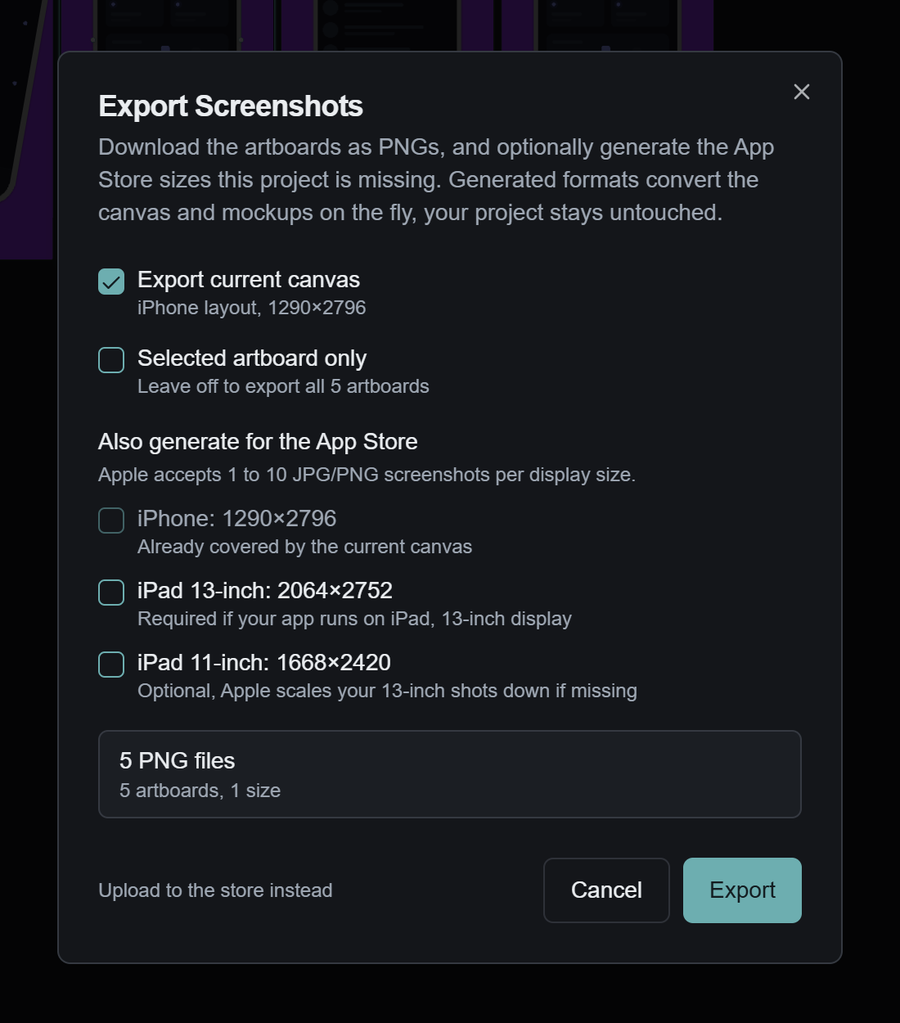
Ask the agent to choose a template, place your screens, and write the headlines. Keep editing the result on the same canvas
No watermarkNo export limitBring your own agent
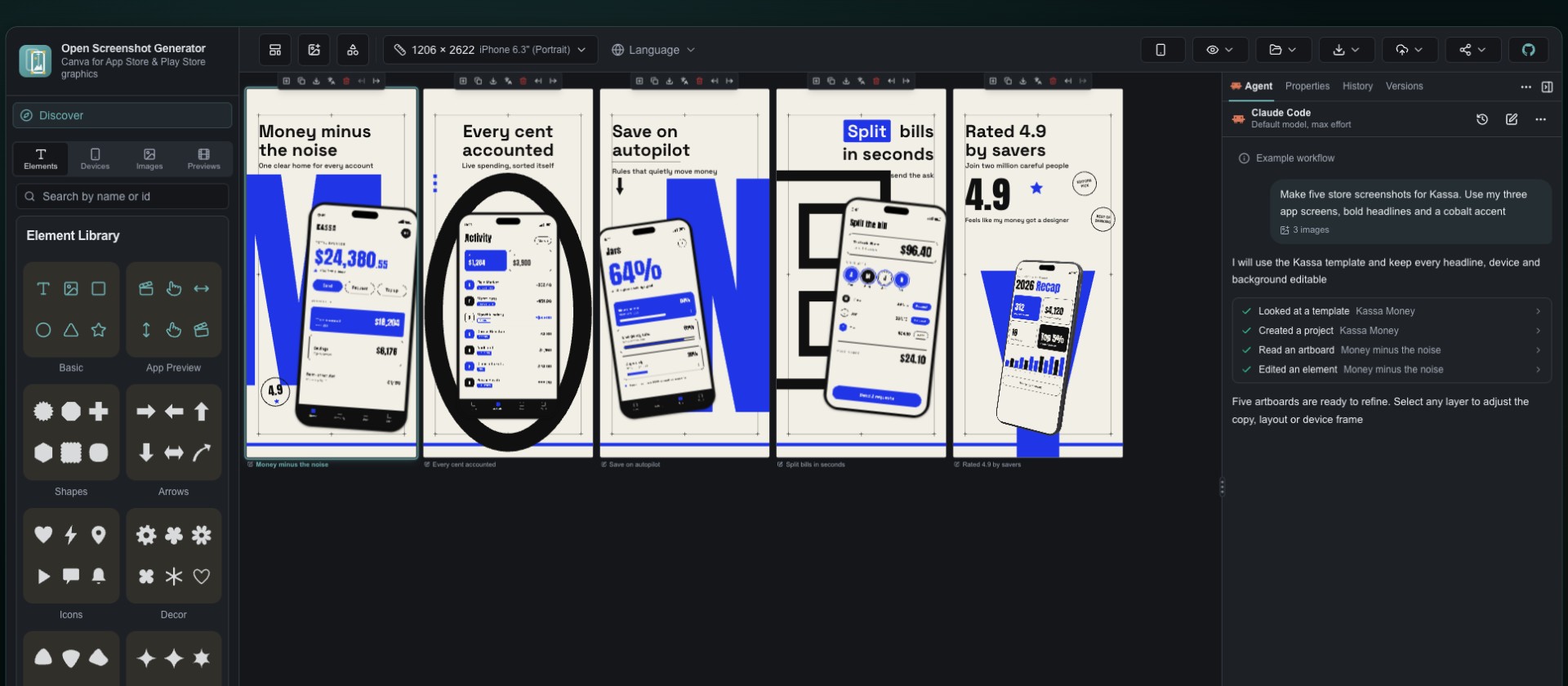
Your agent, inside the editor
Choose a model you already use. Let the agent work with templates, layers and languages, then adjust the result on the same canvas
01 Choose your connection
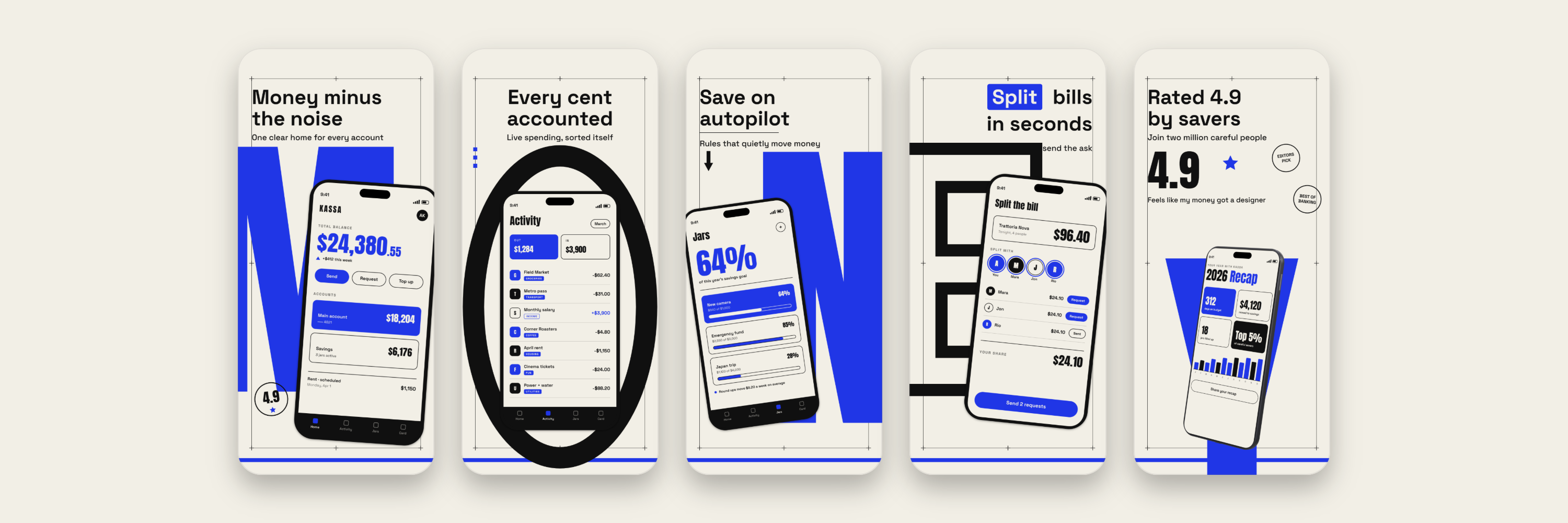
Every layer stays yours to edit
02 Work on the real project
01 / Design
Keep the whole set in view while you adjust the details. Every headline, device, image, and shape is a layer you can edit
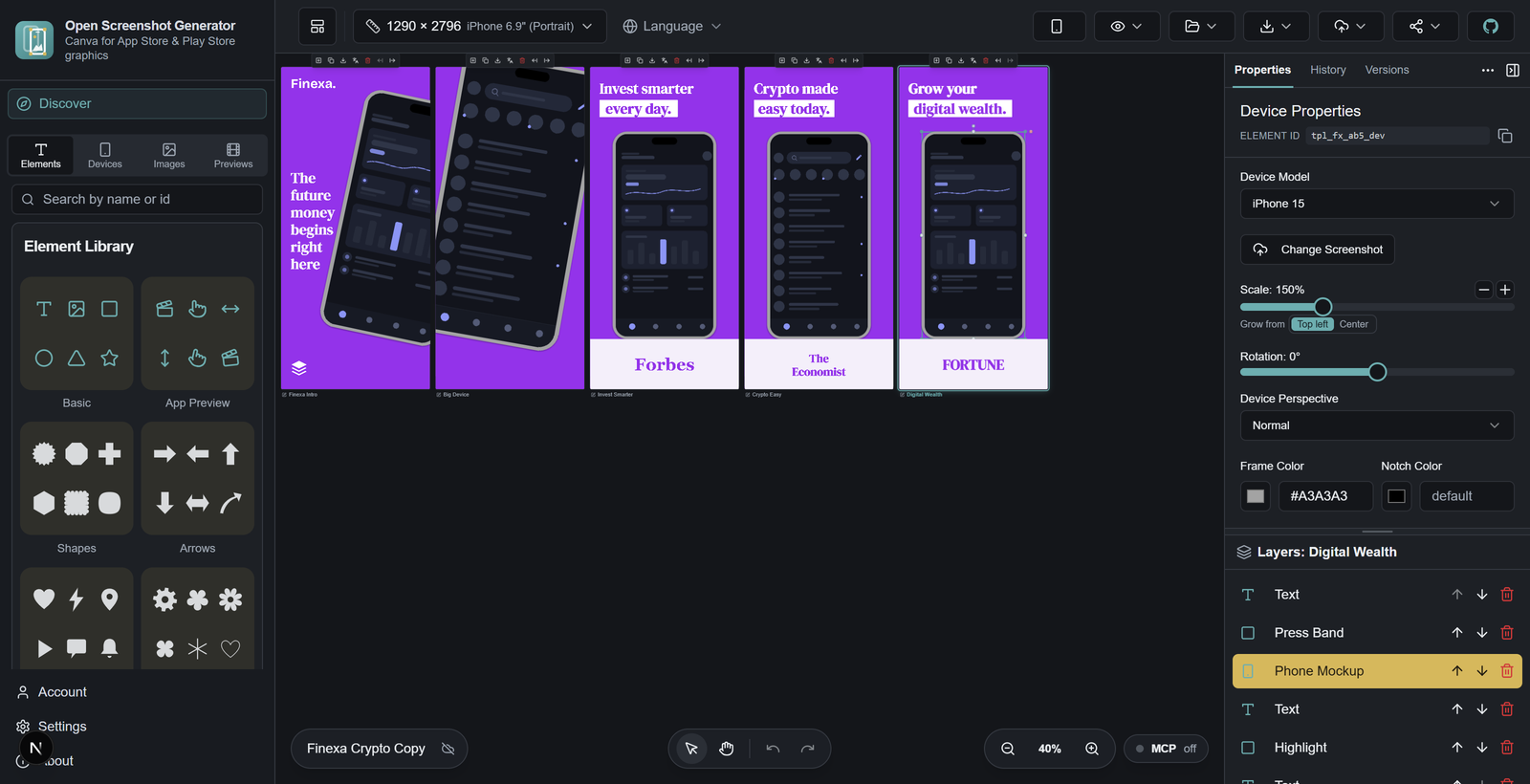
iPhone, Android, iPad, Mac, and Apple Watch. Choose flat frames or real 3D poses, then place your app inside
Bring your fonts and images. Add shapes, badges, and gestures. Span a background across the set and adjust each artboard
02 / Localization
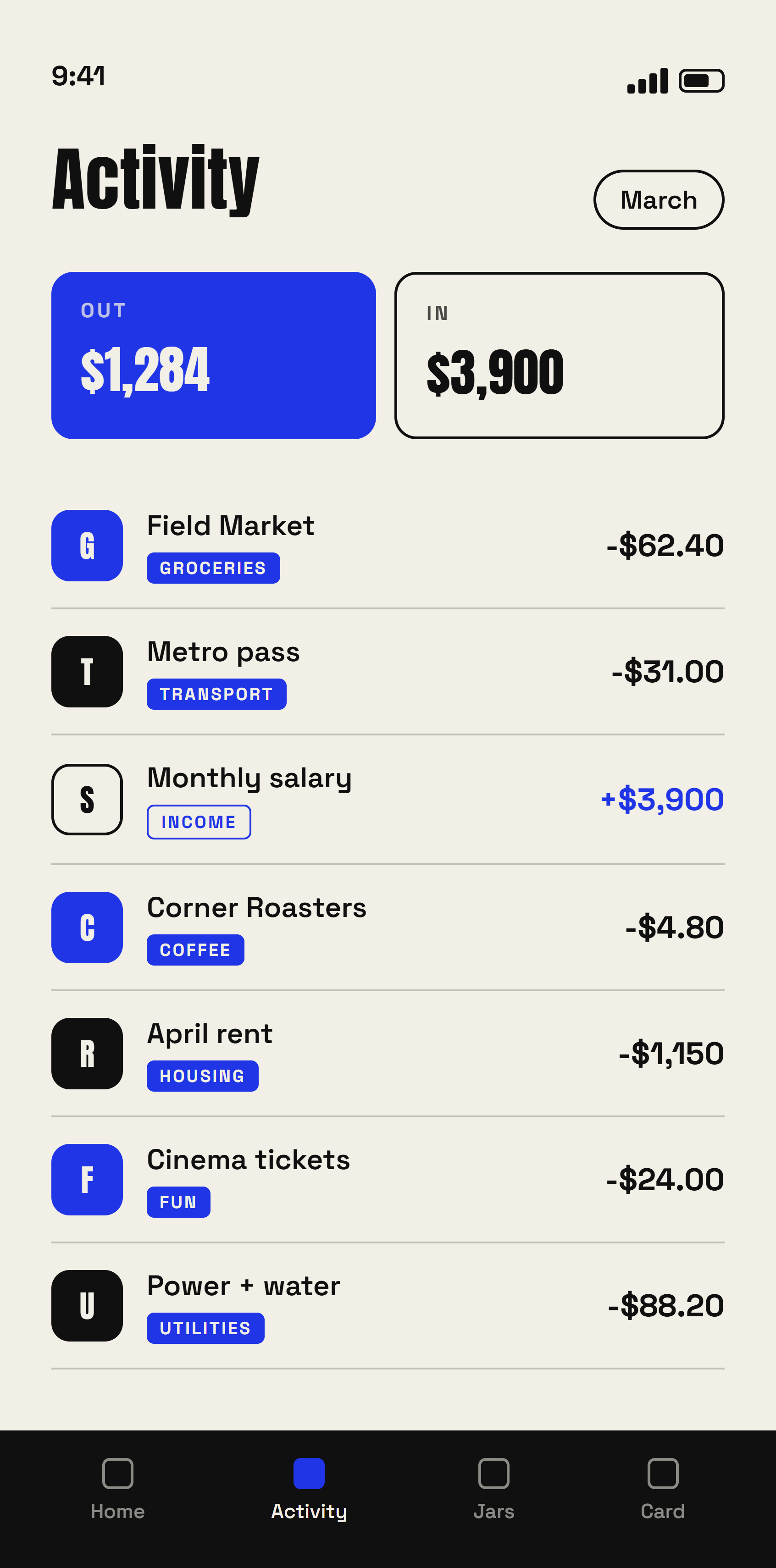
Translate your headlines without rebuilding the design. Every language starts with the base layout, with its own copy, fonts, and app screenshots where you need them
KASSA
en-US
An example of changing the headline while keeping the design
03 / Motion
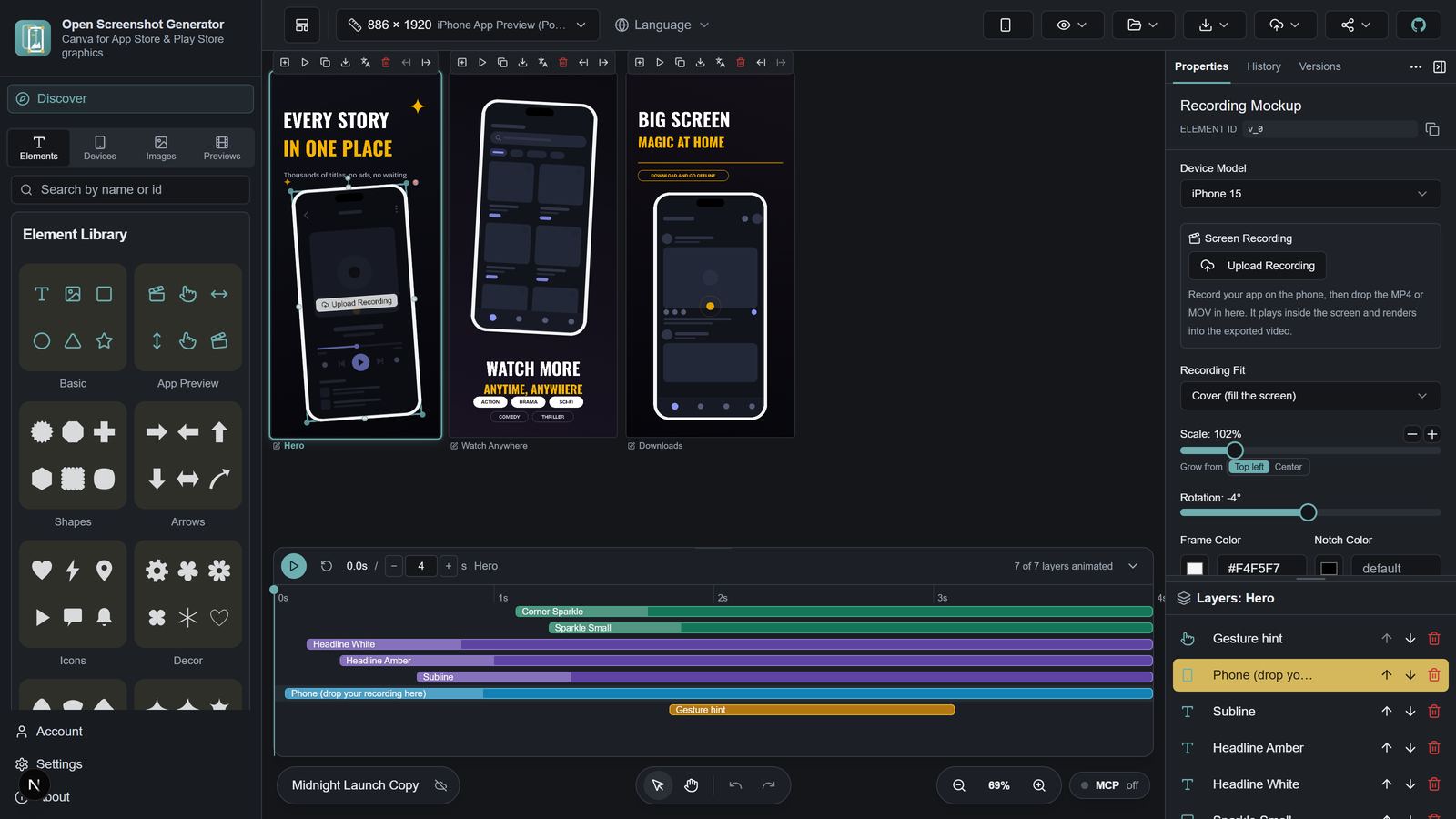
Bring in a screen recording, set the timing, and add motion and audio. Make a preview for the App Store, or a styled video for your website and social posts
Explore preview videosMP4 export works in Chrome, Edge, and the desktop app
04 / A little help
Ask an agent for a first pass, or invite a teammate into the project. The result stays editable in the same canvas
Give the agent your screenshots and a brief. Use your own API key or an assistant account. Desktop adds Claude Code and local providers
See the agent optionsInvite people to edit live. Save a named version before a big change, and restore an earlier direction when you need it. Live editing uses a signed in cloud project
The CLI and MCP tools let your agent fill templates, edit artboards, and export the set
05 / The finish
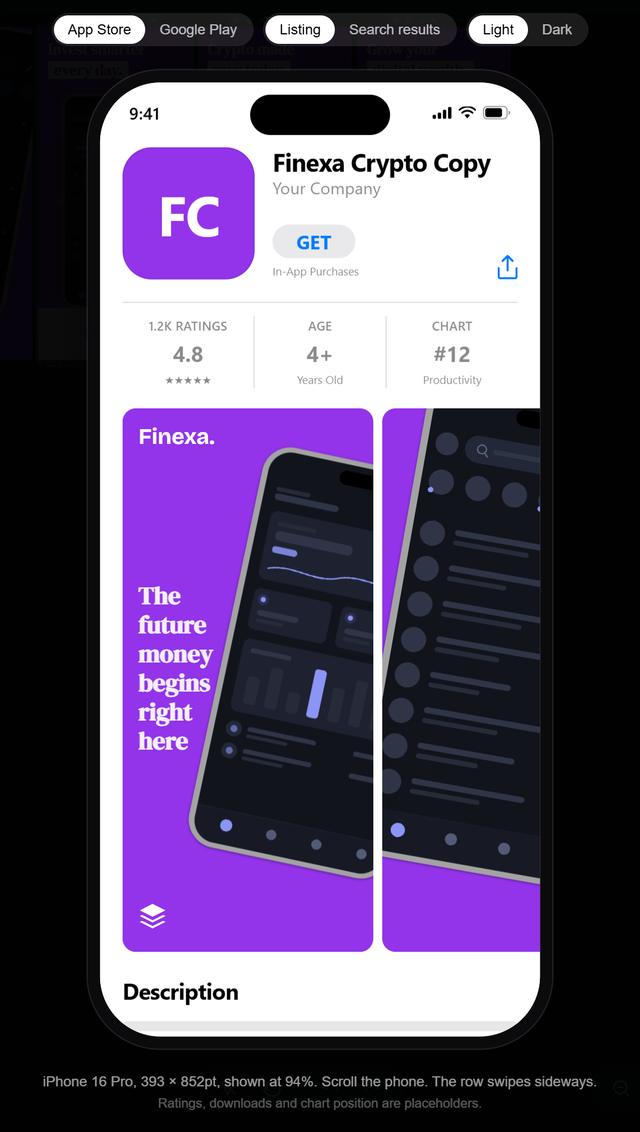
Preview the set as shoppers will see it. Export at the dimensions you need for the App Store and Google Play, with the languages you choose
Available for macOS, Windows, and Linux
The starting points
101 templates for screenshots, videos, feature graphics, Mac, and Apple Watch. Start with a complete design, then make it yours
Browse the template gallery
One template, a complete screenshot set
Use this template
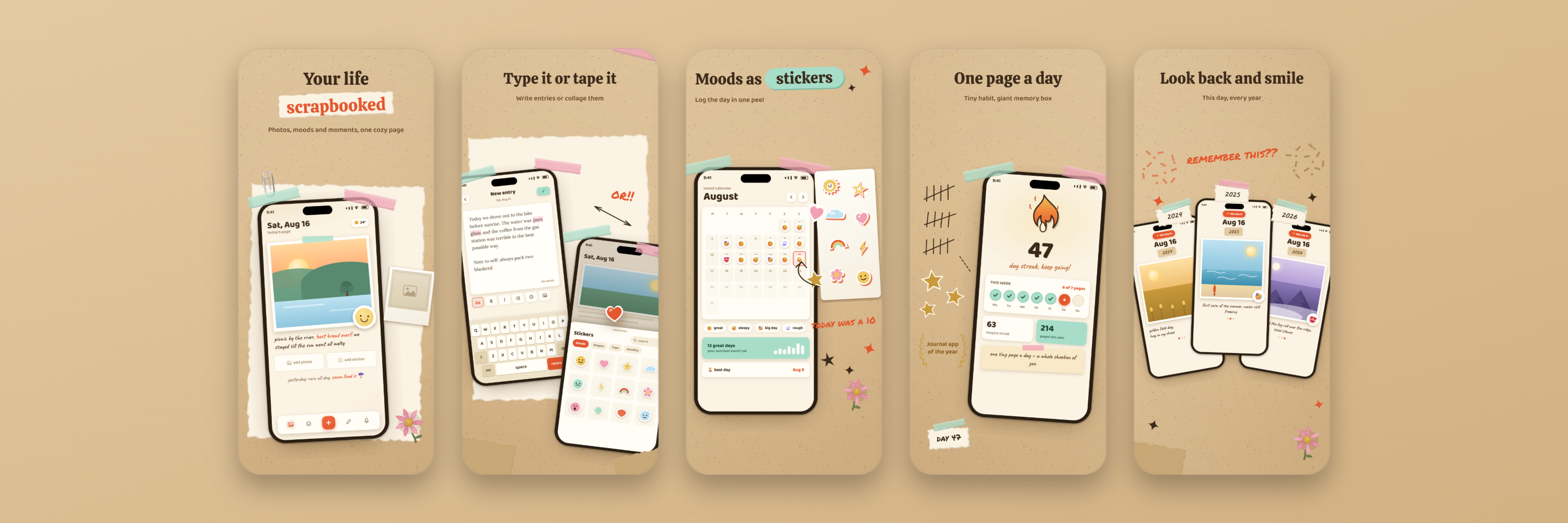
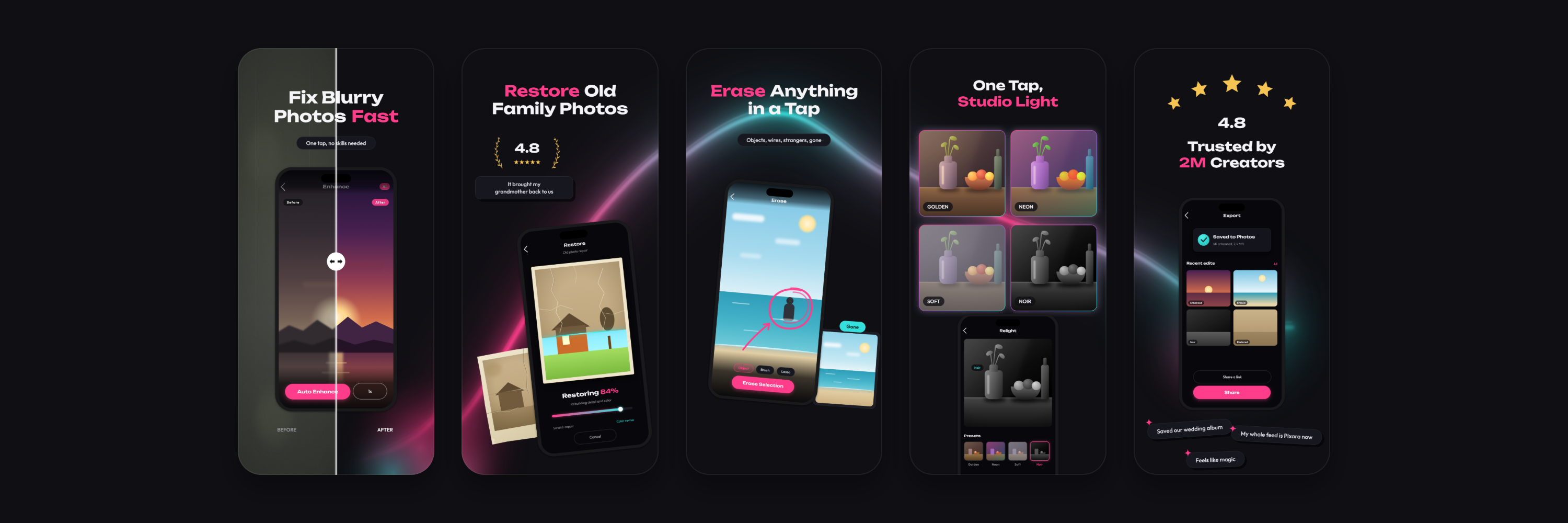
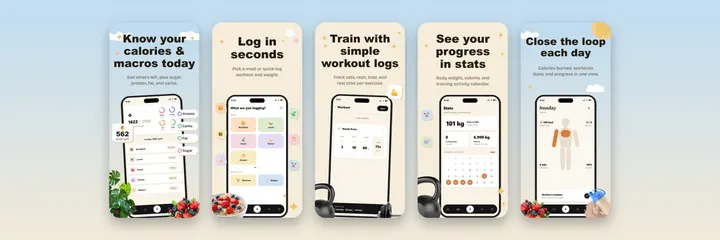
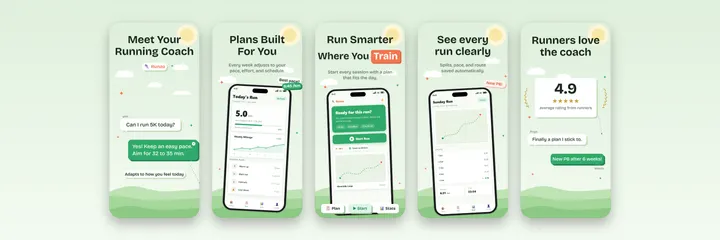
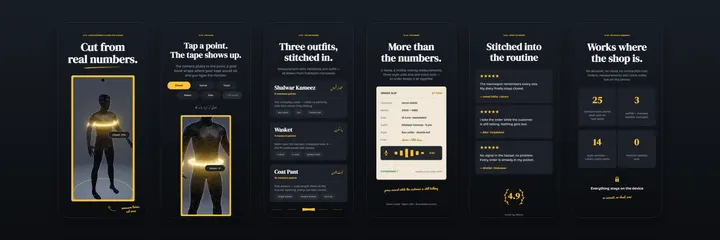
These are sample apps from the template library, designed and exported in Open Screenshot Generator
Your next release
Start with the screens you already have. The editor fills template previews with your screenshots so you can choose the design that fits
Drop in the screens from your app. They fill the template previews before you choose a design
Choose a template. Change the headlines, fonts, colors, and languages in the editor
Check the store listing, choose the sizes you need, and export the set
Free and open source
Design and export for free, without a watermark or an export cap. Start without an account. Save on your device, or choose cloud, Google Drive, or GitHub when you want a copy elsewhere
Read the source on GitHub$0
Every template. Every design toolOpen the editor Optional AI providers have their own terms and costsYes. All templates and design tools are free, with no watermark or export limit. The source is public under the MIT license. If you use an external AI provider, that provider may charge for its service
You can design, save locally, and export without an account. Sign in if you want cloud saving or live collaboration. You can also connect your own Google Drive or GitHub account
Local projects live in your browser storage. Clearing site data removes them, so save a project copy you want to keep. Cloud saving, sharing, connected accounts, store uploads, and AI use the services you choose
Yes. Each language inherits the base layout. Translate the text, adjust fonts and sizing, or use different screenshots and backgrounds for one language. The editor offers 57 language options, with store availability depending on the language
Yes. Add a screen recording, adjust timing, animation, and audio, then export MP4. Use the App Store preview export for your screen recording, or export a styled video for a website or social post. Video export requires Chrome, Edge, or the desktop app
The same editor, plus direct uploads to App Store Connect and Google Play, Claude Code, local AI providers, and built in coding agent tools. Desktop apps are available for macOS, Windows, and Linux
For the app you've been building
Free to use, with the source on GitHub