Template gallery
Free App Store screenshot templates
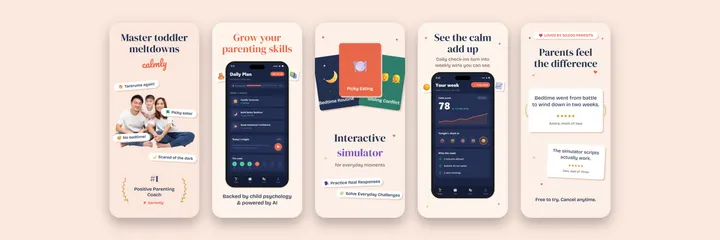
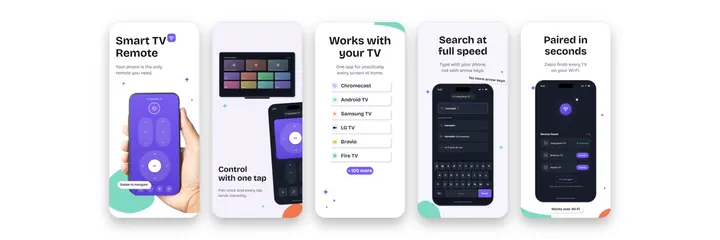
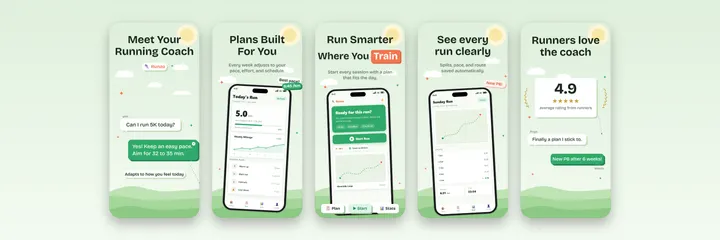
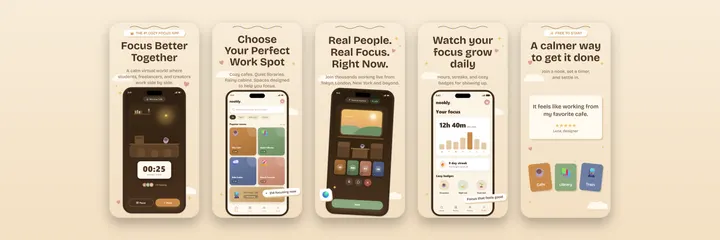
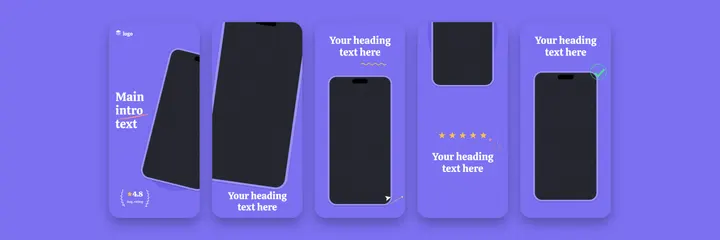
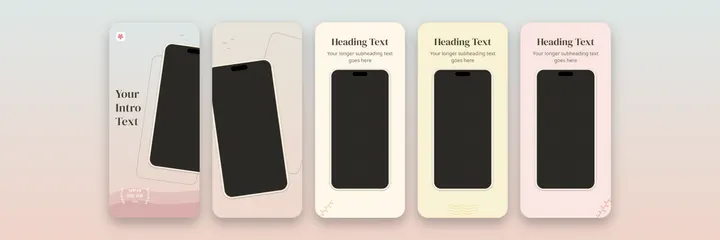
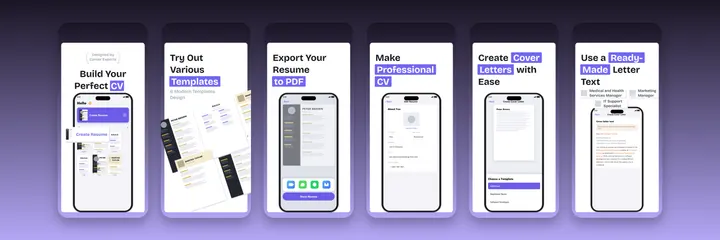
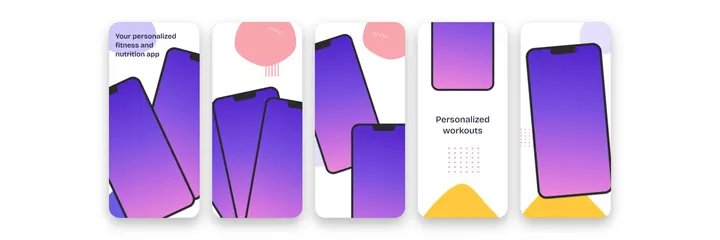
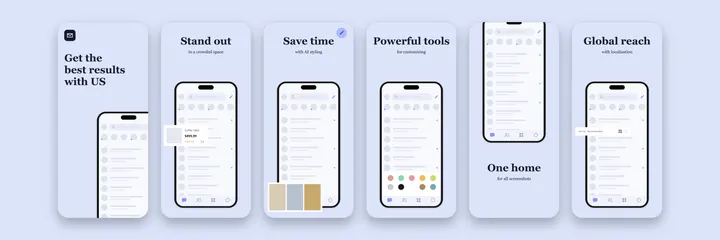
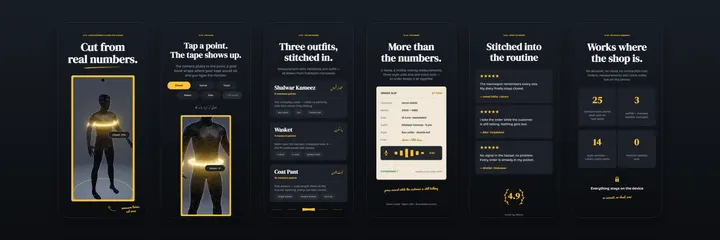
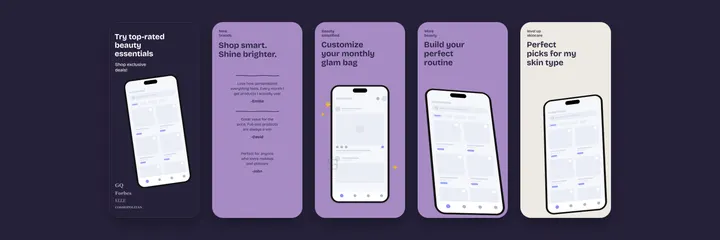
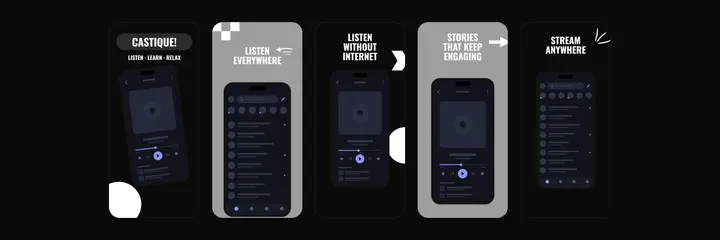
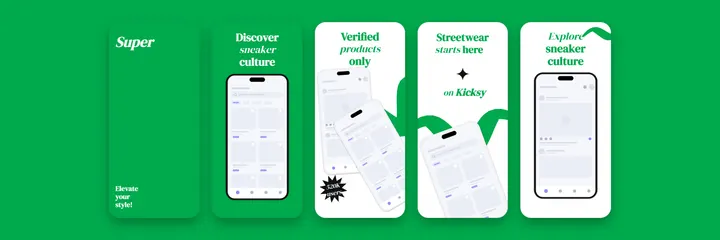
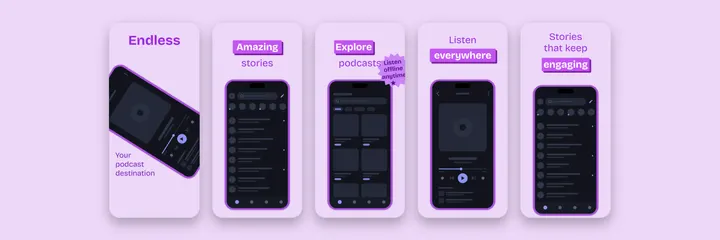
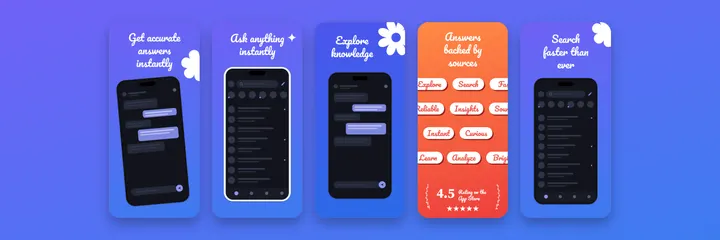
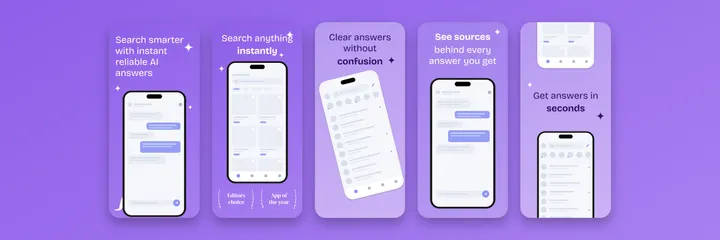
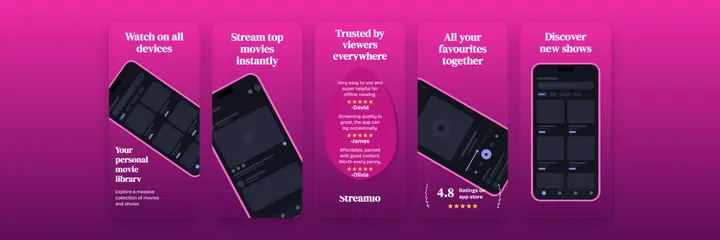
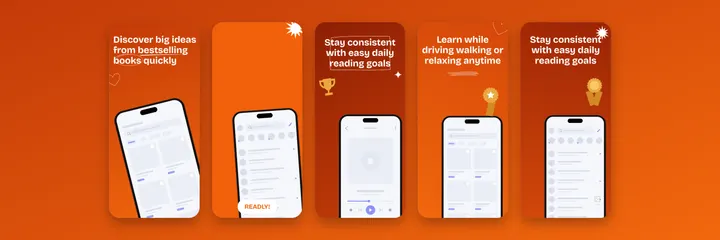
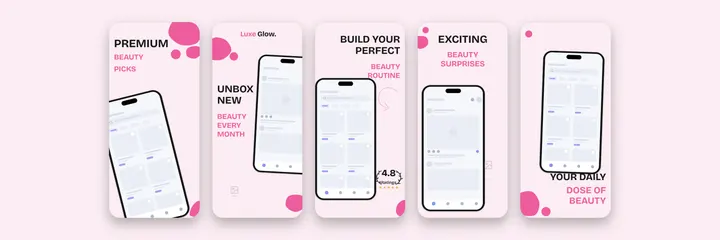
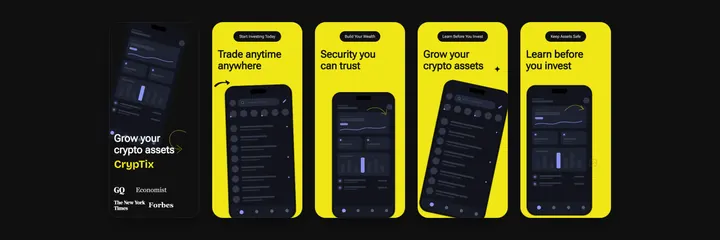
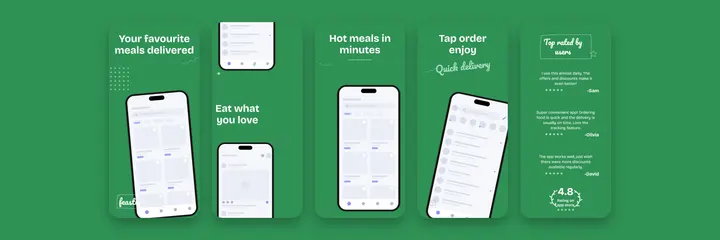
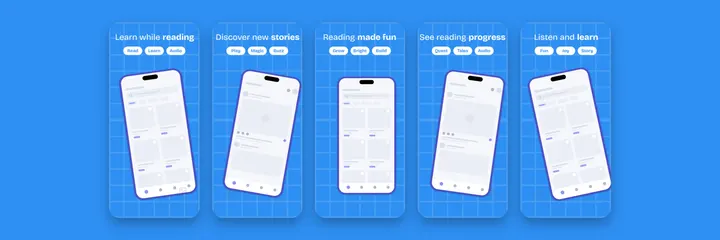
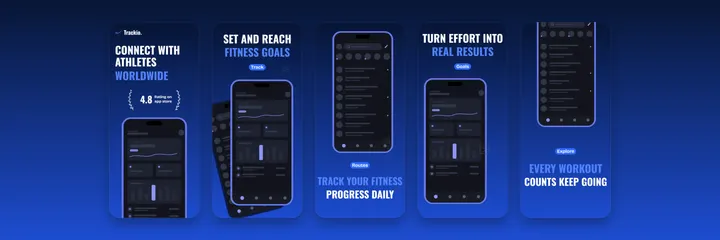
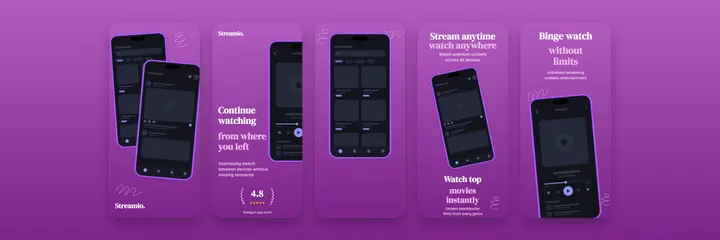
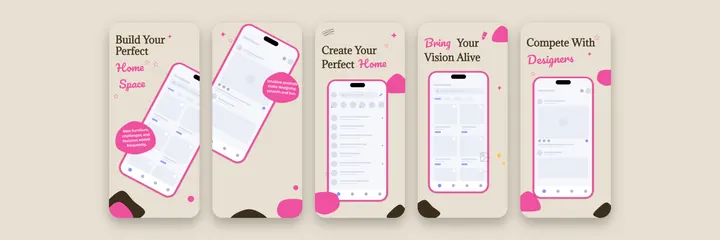
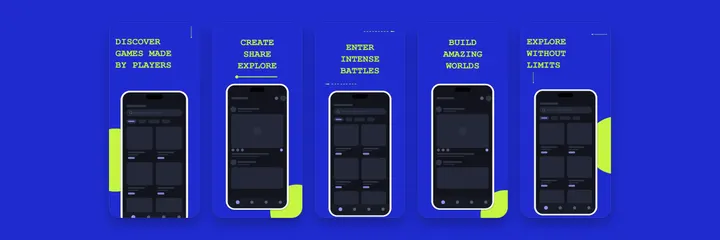
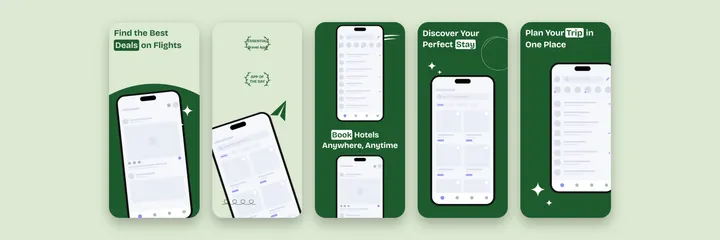
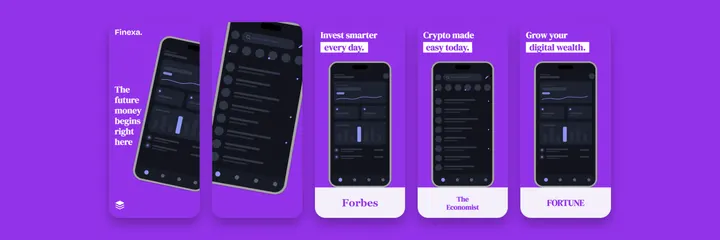
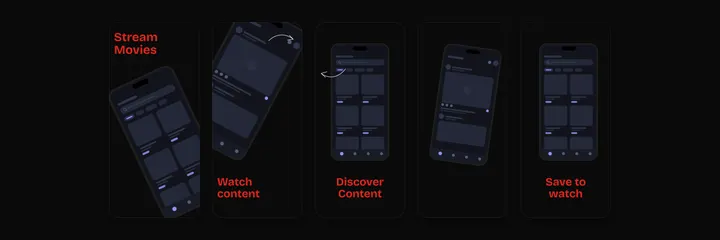
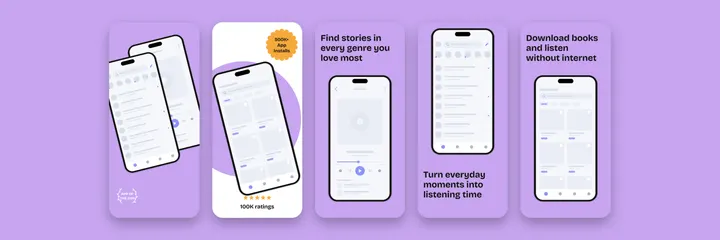
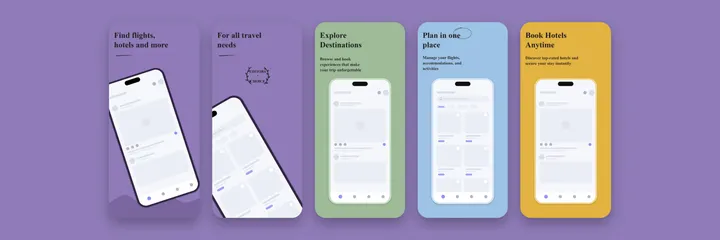
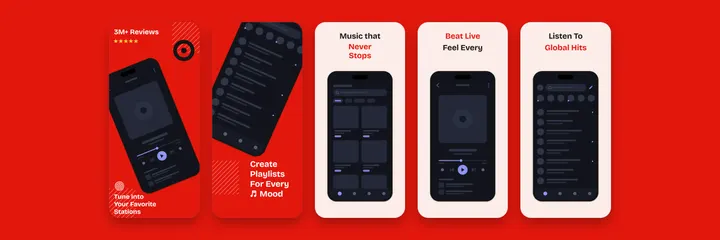
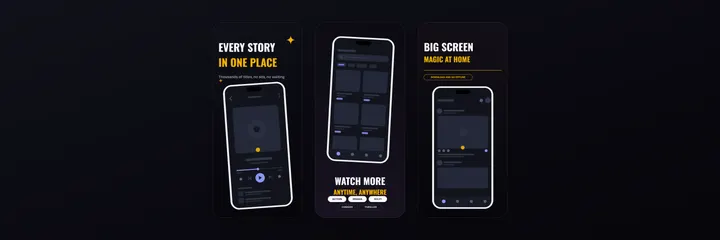
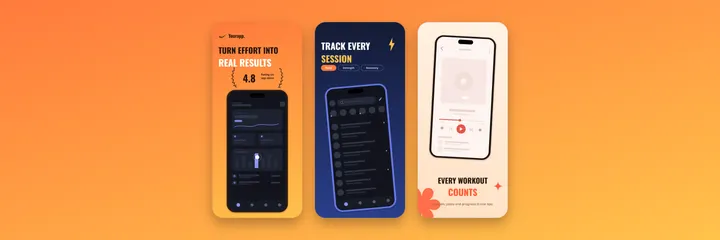
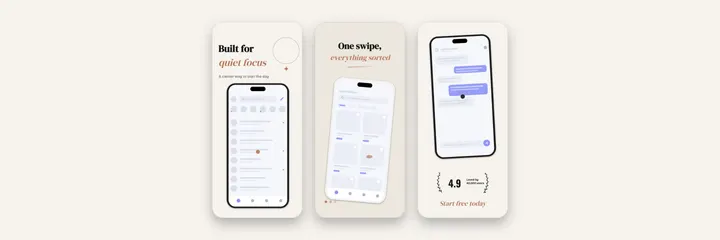
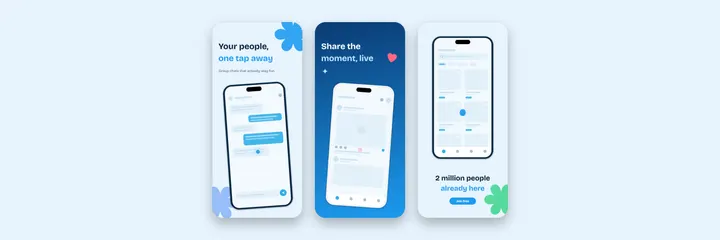
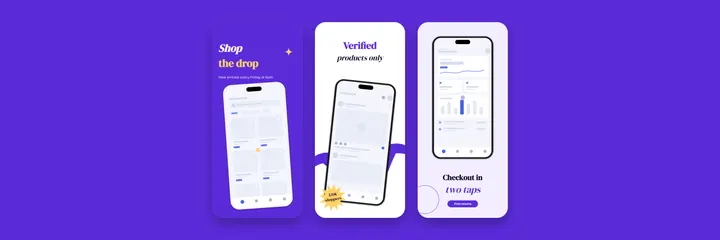
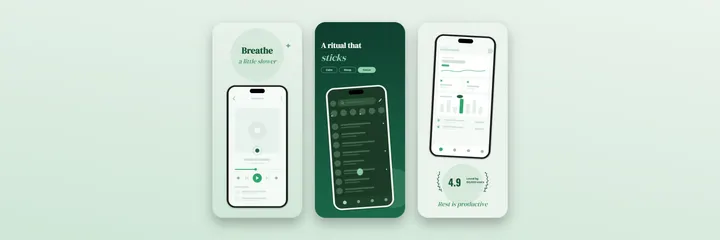
96 store ready templates, designed board by board in the editor itself. Click one and it opens as a new project in the free editor. Drop in your own screenshots, rewrite the captions and export every size the App Store and Google Play require. No account, no watermark, no template ceiling
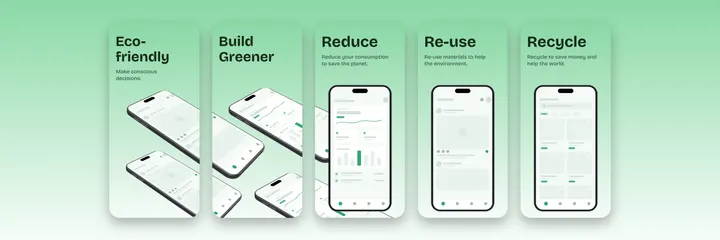
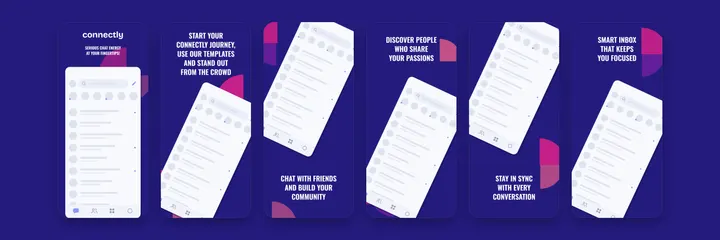
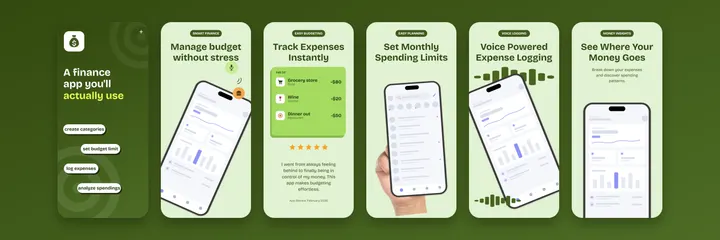
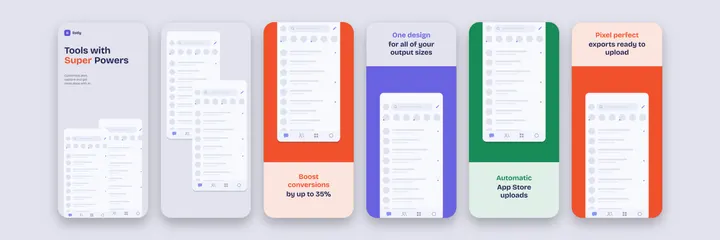
Every preview below is real output from the editor, not a mockup
iPhone and Android
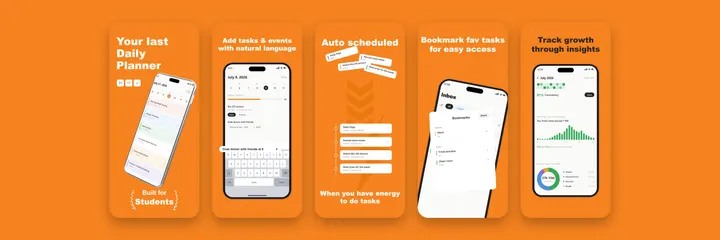
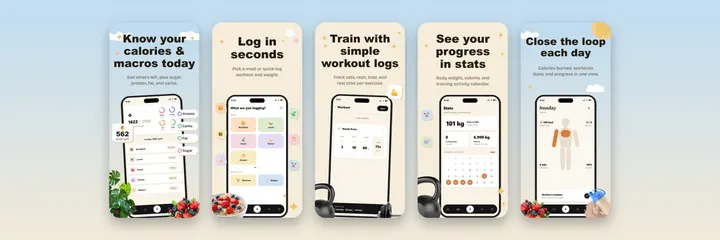
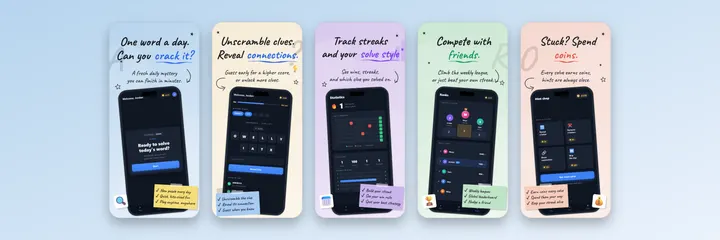
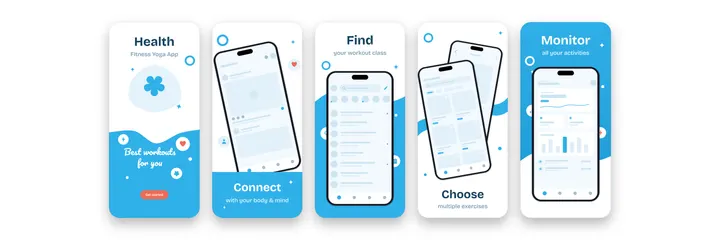
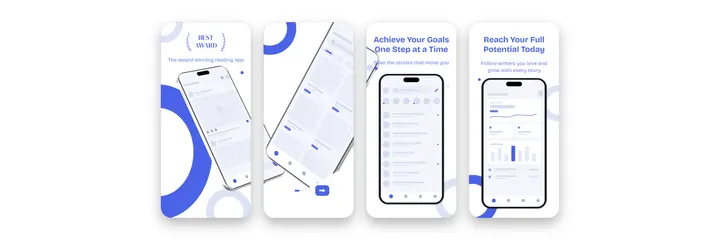
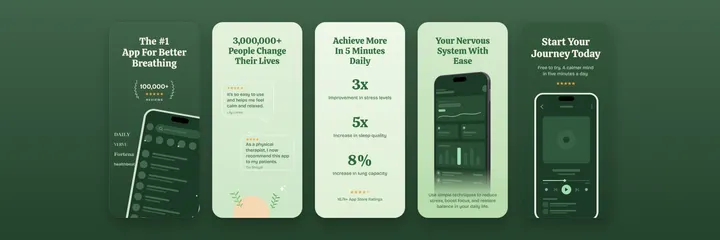
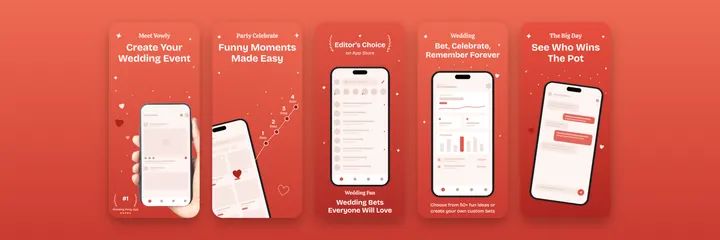
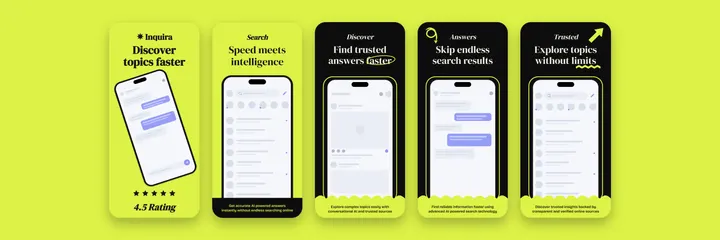
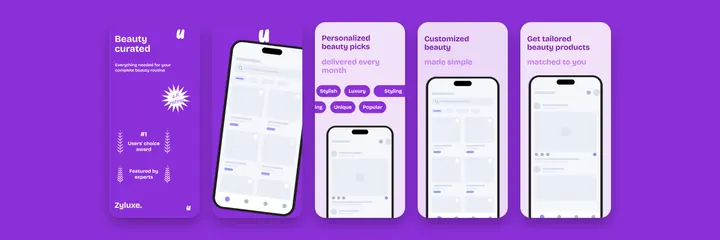
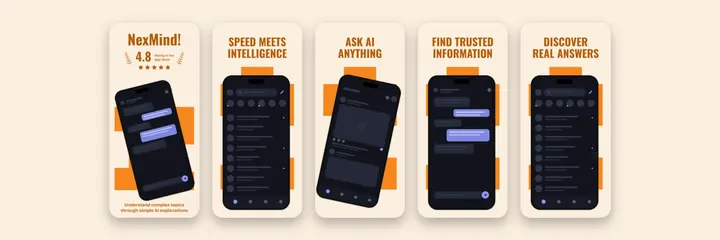
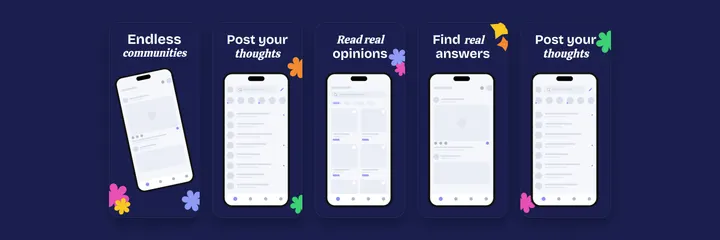
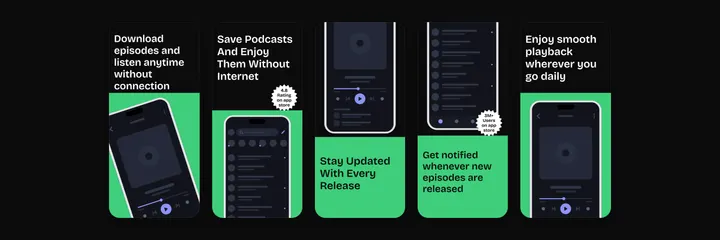
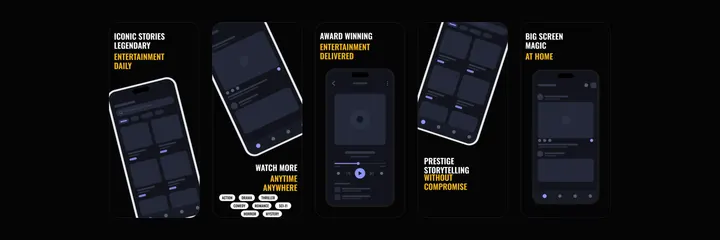
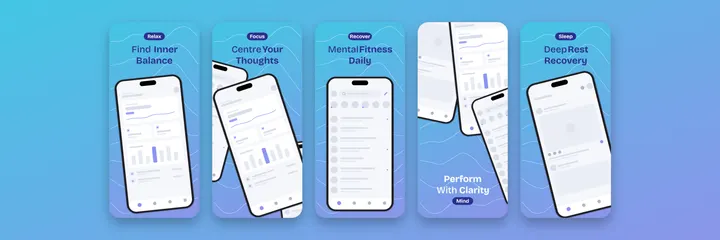
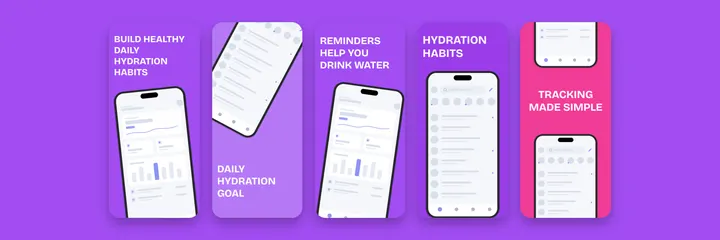
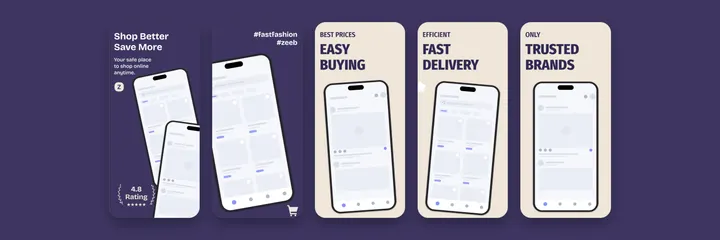
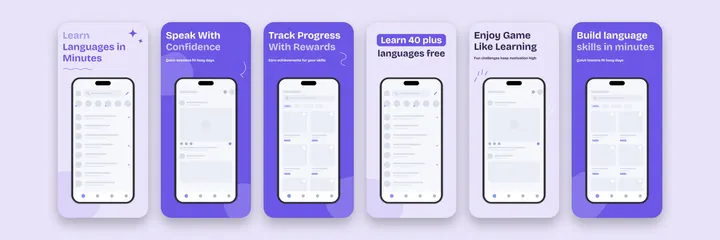
App Store and Play Store screenshot sets
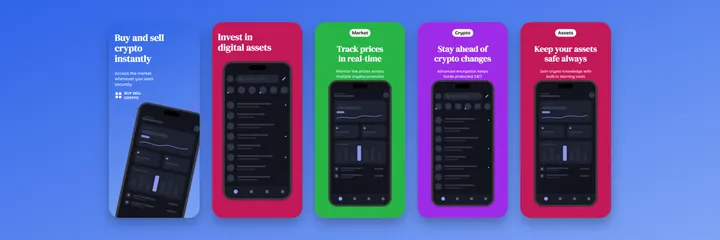
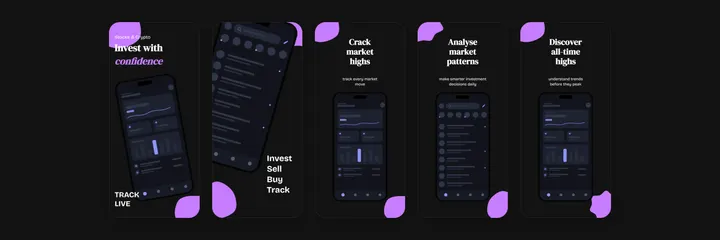
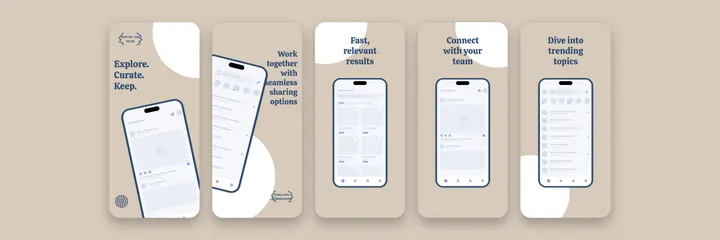
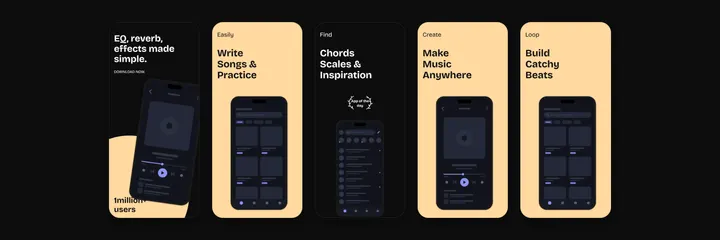
57 templates. Each card shows the full set of boards, and one project exports both the App Store sizes and the Google Play sizes
watchOS
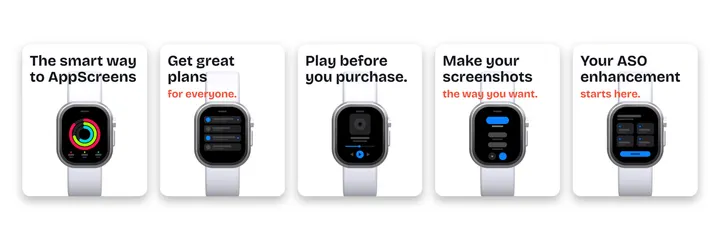
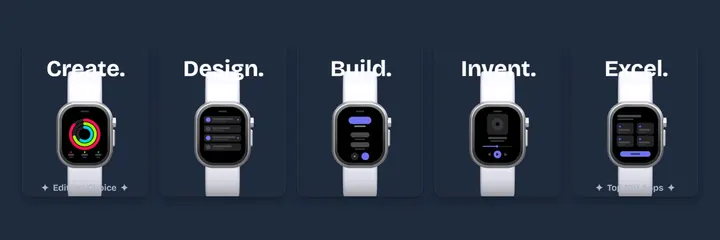
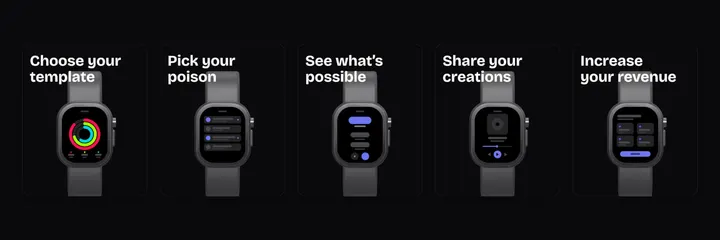
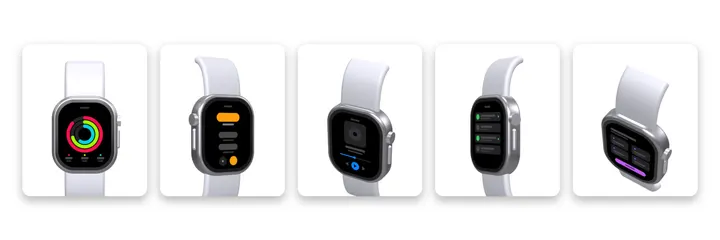
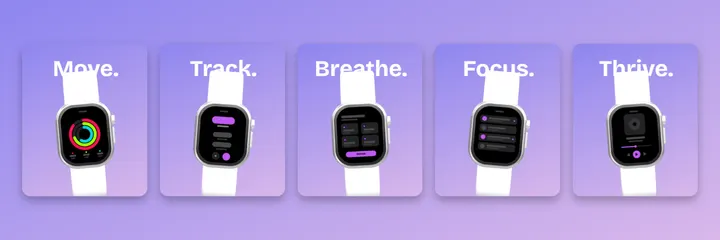
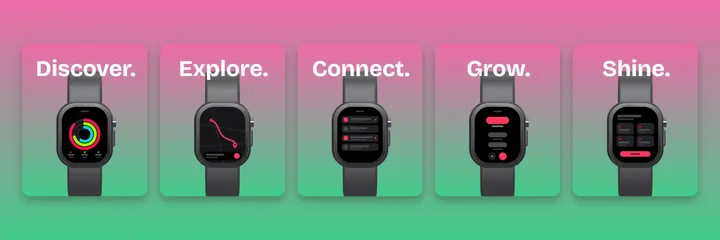
Apple Watch screenshot templates
6 templates with 3D watch mockups, sized for the required 422x514 App Store tier
Mac App Store
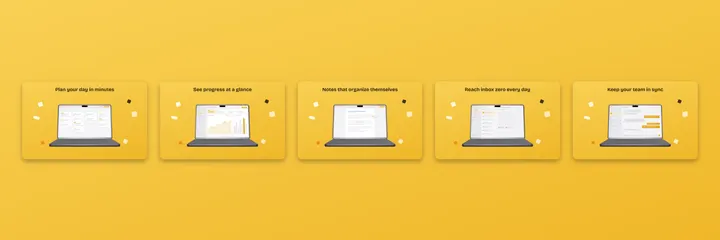
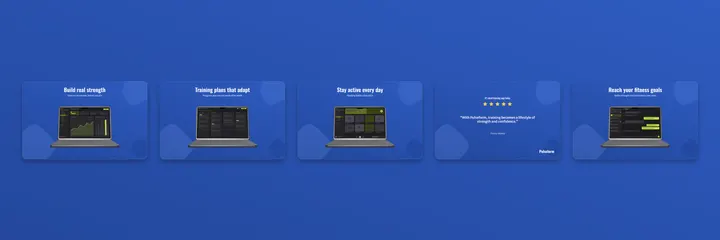
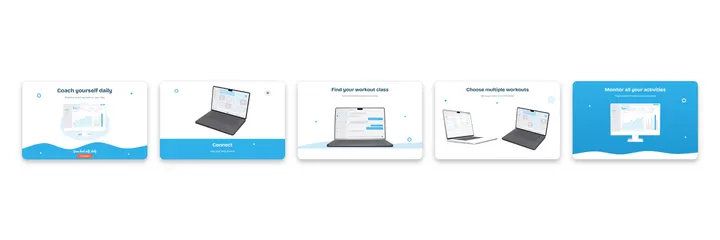
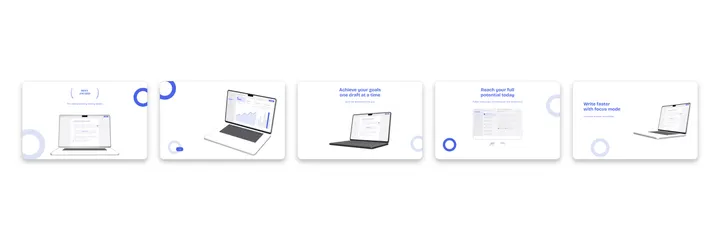
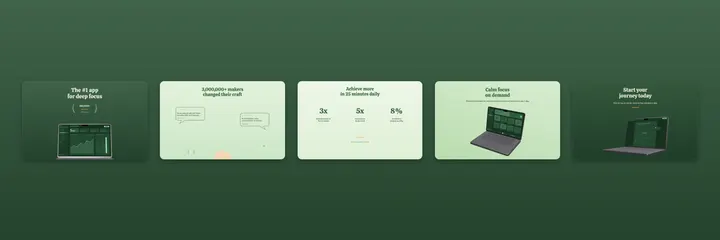
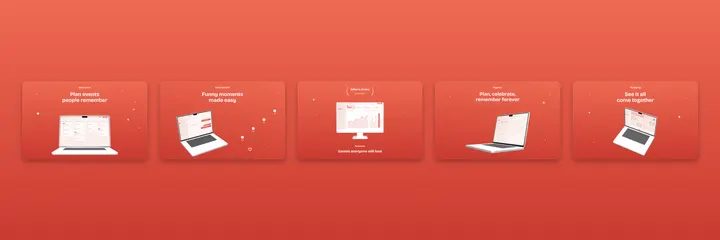
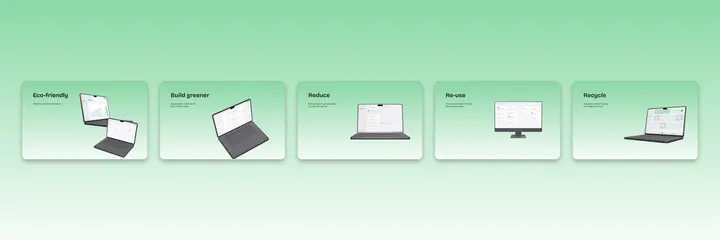
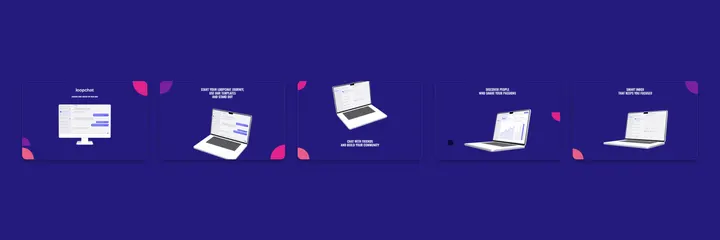
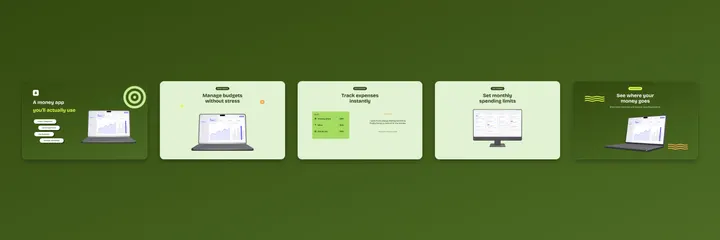
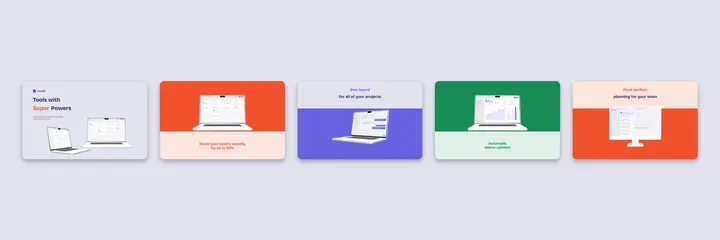
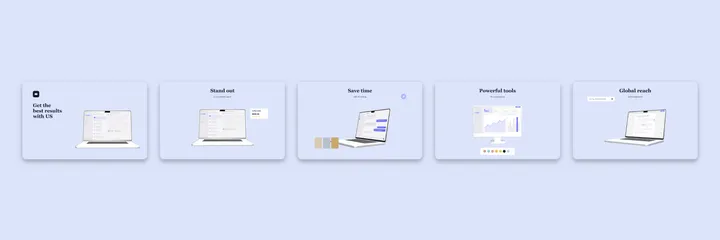
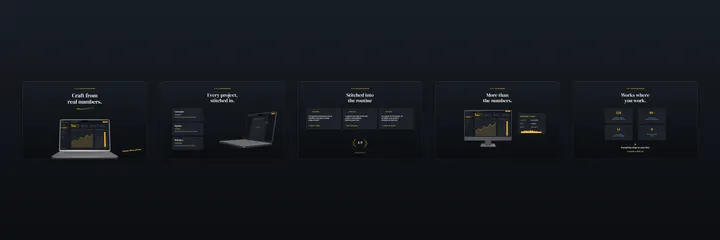
Mac screenshot templates
12 templates with 3D MacBook mockups on 2560x1600 boards, the standard Mac App Store tier
Video
App preview video templates
6 layouts for App Store preview videos. Drop a screen recording into the phone and export an MP4 in Chrome, Edge or the desktop app
Google Play
Feature graphic templates
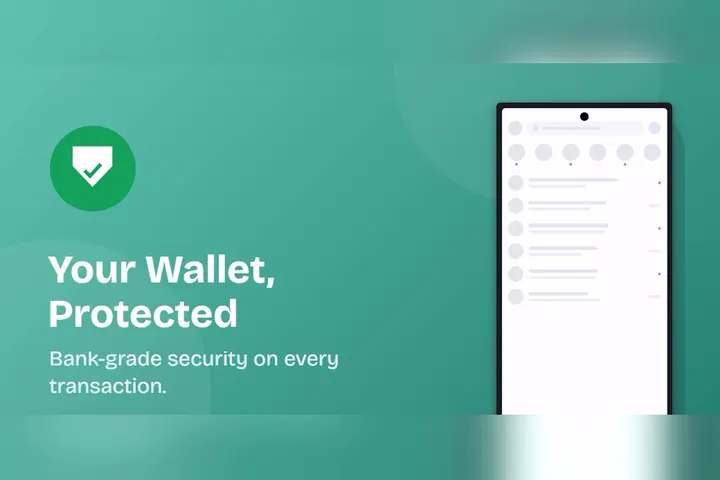
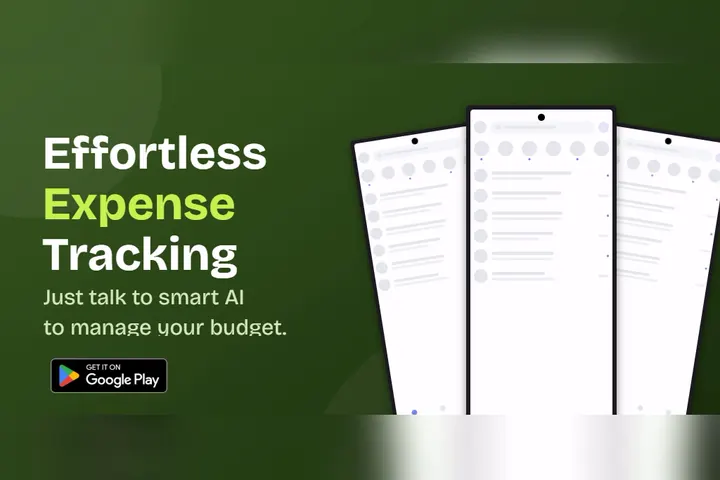
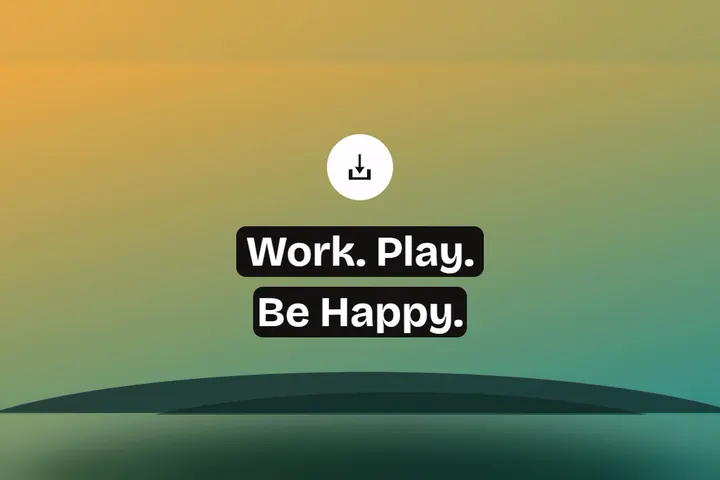
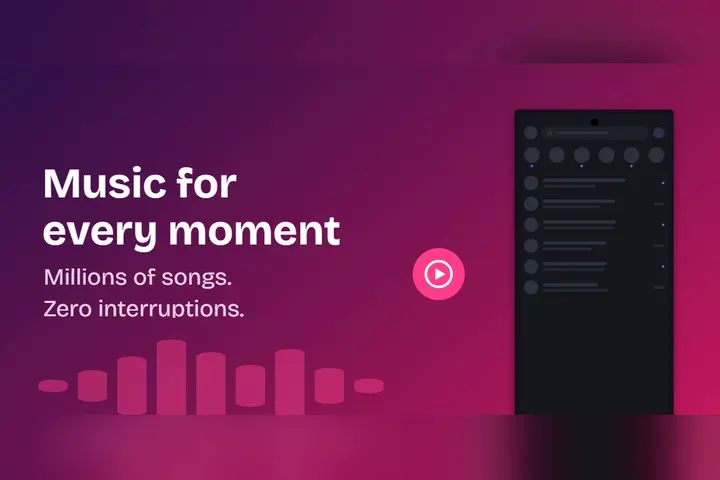
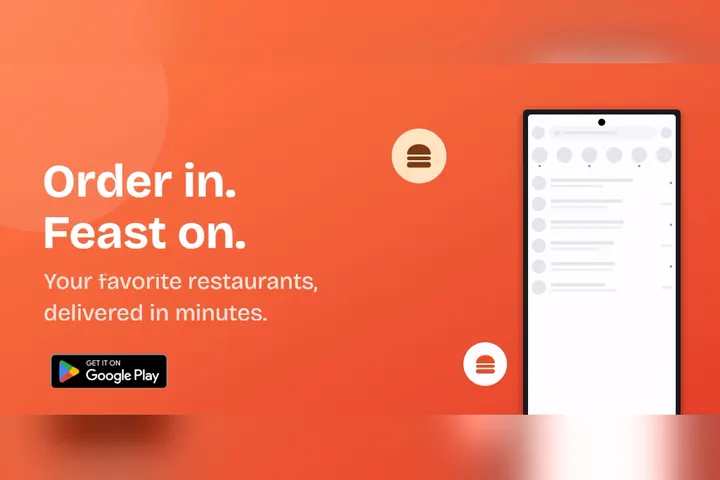
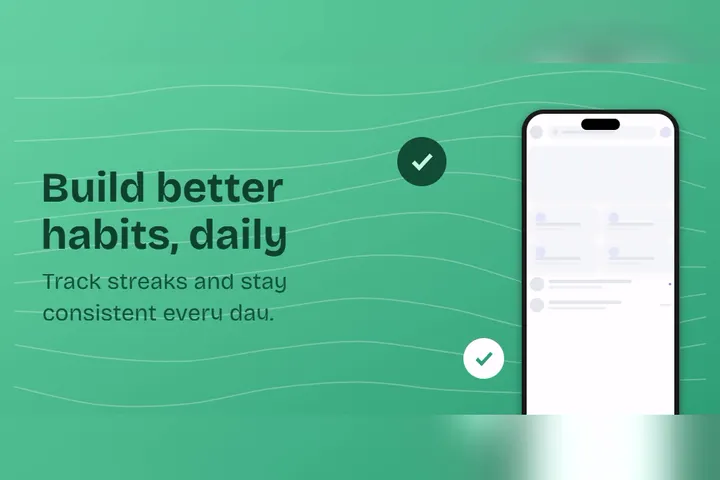
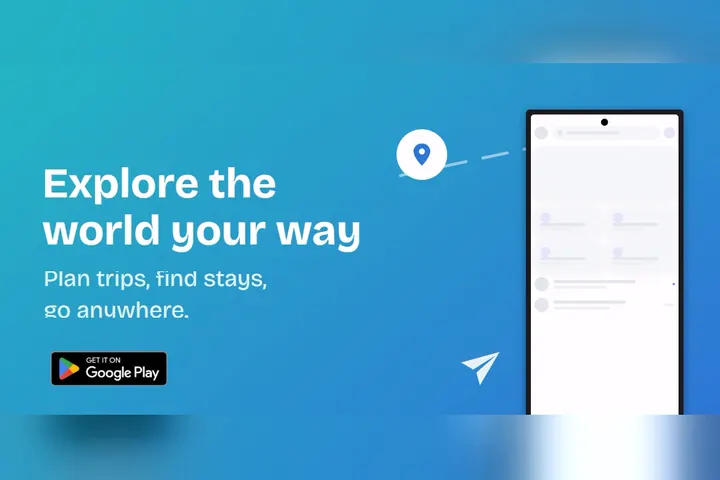
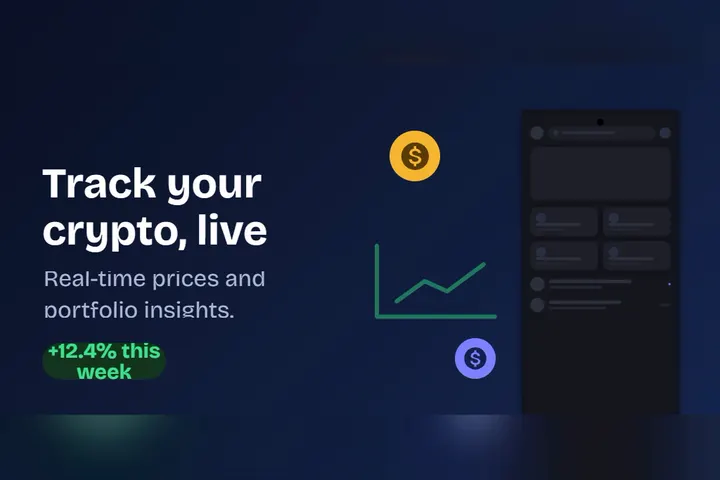
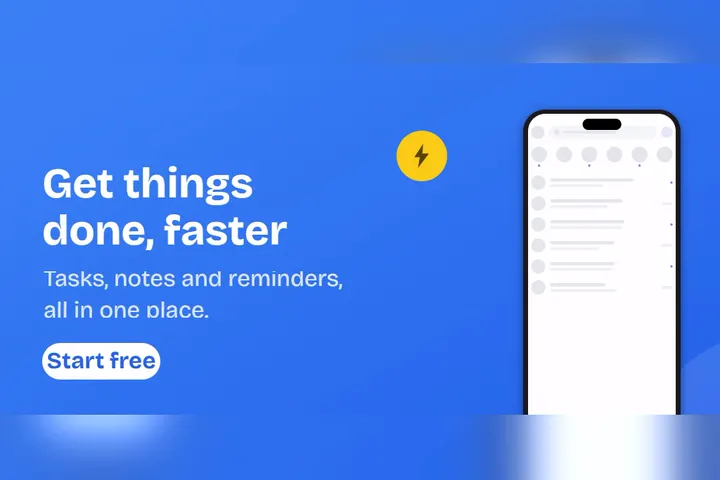
15 templates for the 1024x500 Google Play feature graphic, the banner behind the play button on your store listing
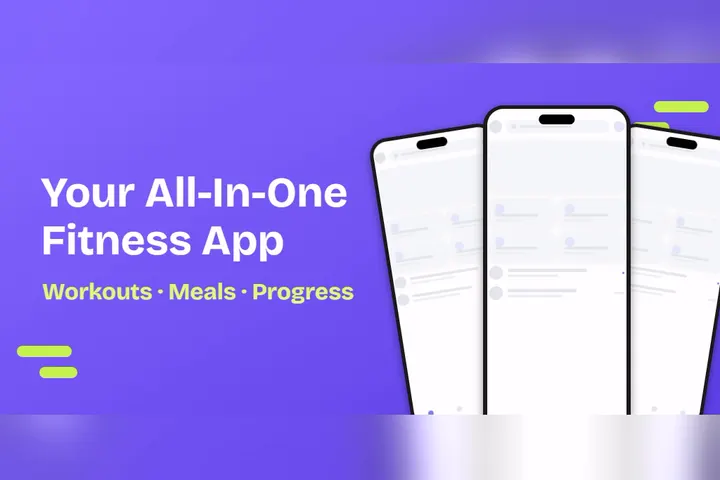
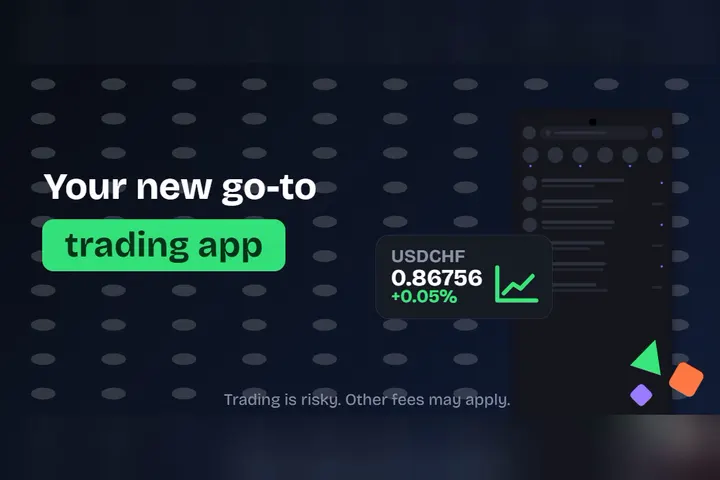
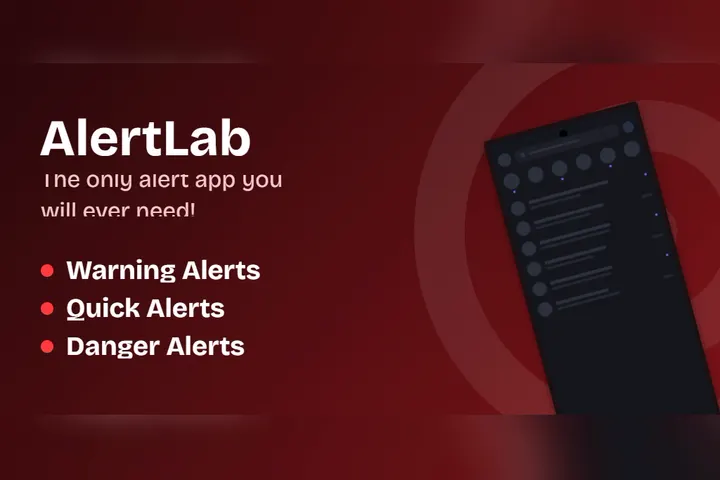
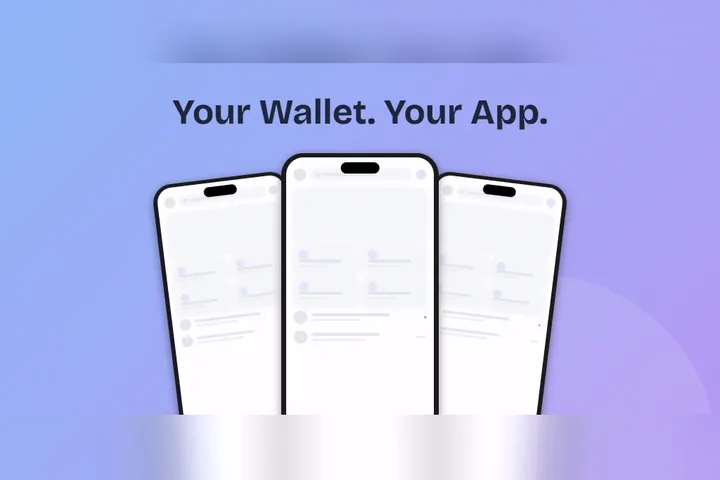


Questions
Template questions, answered
Are these App Store screenshot templates really free?
Yes. All of them open in the free editor with no account, no watermark and no export limits. The whole project is open source, so the templates and the editor behind them are free to use and free to inspect
How do I use a template?
Click any template and it opens in the editor as a new project. Drop your own screenshots into the device frames, change the captions and colors, then export every size your store listing needs from the same project
Which sizes do the templates export?
Every size both stores require. iPhone sets are built at the required 1206x2622 size, iPad sets export 2064x2752, the Google Play sets export 1080x1920 alongside the 1024x500 feature graphic, Mac sets export 2560x1600 and Apple Watch sets export the 422x514 baseline size
Can I turn my own design into a template?
Yes. Start from a blank canvas, design your set, then export the project as JSON and reuse it any time. The template catalog itself is open source, so you can also contribute a template to the project on GitHub
Do the app preview video templates really export MP4?
Yes. Drop a screen recording into the phone frame and export an MP4 conformed to what App Store Connect accepts. Video export runs in Chrome, Edge or the desktop app
Keep reading
Related pages
Pick a template, keep your afternoon
Every template above opens in the editor in one click. If none of them fit, start blank and make your own