Free tool
Free Android mockup generator
Frame a raw capture in a modern Android chassis and export it at Google Play sizes in seconds. Punch hole, notch and classic bar phones plus 7 and 10 inch tablets, with a 3D Android for hero shots. Free, open source and nothing to sign up for
Facts on this page were verified on August 16, 2026
Device frames
What the frame picker holds
Three phone chassis cover the Android landscape: a punch hole flagship, a notch design and a classic status bar phone, plus 7 inch and 10 inch tablet frames. Each masks your capture to the display, and a 3D Android element with preset poses covers hero shots. A frame can also swap between its Android and iPhone counterparts, so one layout serves both stores
Three steps
How it works
- 1. Open the editor. The editor runs in your browser with nothing to install and no account to create. Pick a ready made template or start from a blank canvas at the exact Google Play size
- 2. Drop in your screenshot. Upload a raw screen capture and it snaps into the device frame, masked to the screen with the right corner radius. Switch frames or turn on a 3D pose any time
- 3. Export store ready files. Export PNG files at every size your store listing needs. Everything renders locally, so your screenshots never leave your machine
Store sizes
Export sizes that pass review
Google Play accepts a wide size range, so the numbers below are the current requirements and the safe defaults this editor exports, verified against Google’s specification
| Asset | Size |
|---|---|
| Phone screenshots | 320 to 3840 per side, 1080 × 1920 is the safe portrait default |
| Feature graphic, required to show video | 1024 × 500 |
| App icon on the listing | 512 × 512 |
| 7 and 10 inch tablet screenshots | 1080 to 7680 per side |
Templates
Start from a Play Store template
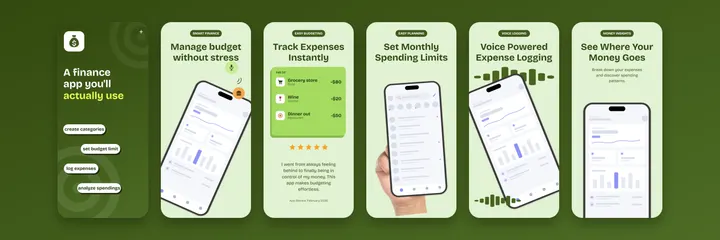
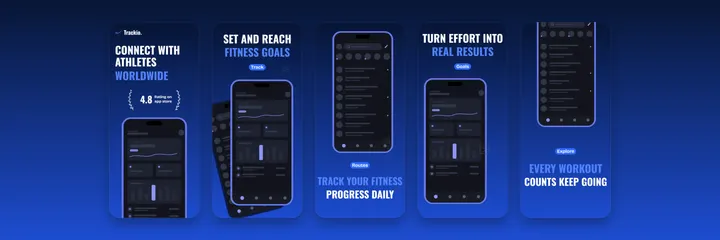
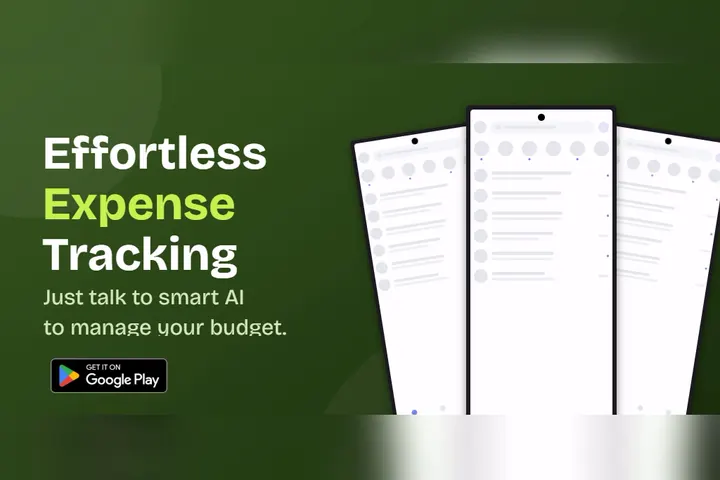
Screenshot sets and 1024x500 feature graphics with the frames already placed. Click one and it opens in the editor. The full gallery is on the templates page

Questions
Fair questions, straight answers
Is the Android mockup generator really free?
Yes. There is no paid tier, no watermark and no export limit. The editor is open source and everything renders in your browser
Which Android frames are included?
A punch hole flagship, a notch phone and a classic status bar phone, plus 7 inch and 10 inch tablets. Google requires generic frames rather than branded devices, so these neutral chassis are exactly what a Play listing needs
What size should a Play Store screenshot be?
Google accepts anything from 320 to 3840 pixels per side, with a 16:9 or 9:16 ratio recommended. The editor defaults to 1080x1920 portrait, which is the accepted safe answer for phone listings
Does it make the 1024x500 feature graphic too?
Yes. The feature graphic is its own board type with its own templates, so one project holds your screenshots and the banner Google needs before it will show your promo video
Keep reading
Related pages
Frame it, export it, ship it
The editor is free, open source and already knows every size your store listing needs